AutoClip
Fully automatic, in one pass
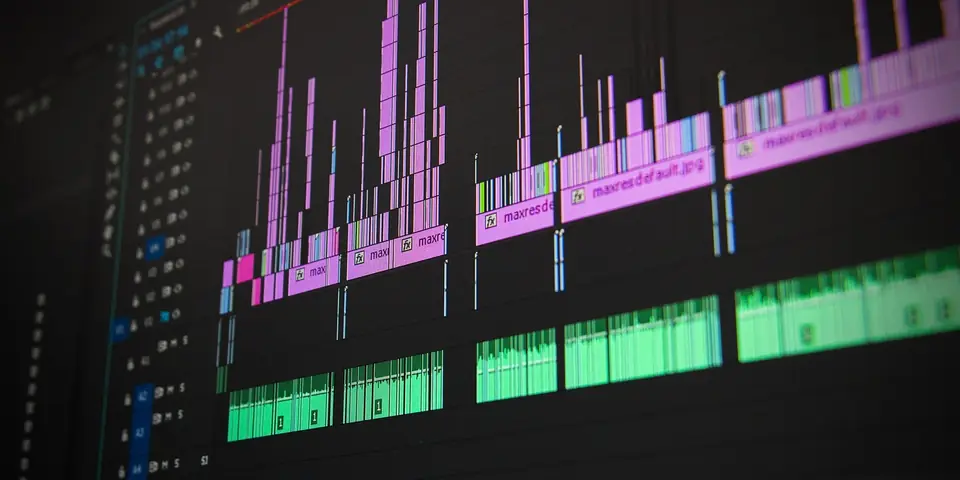
One link or upload is enough: DaddyClip analyzes the transcript, spots viral moments and cuts several clips at once.
Paste a link or upload a video – DaddyClip finds the best moments, cuts multiple clips, and adds subtitles and effects.
Start clipping for freeDaddyClip does it all – from long video to finished shorts in minutes.
One link or upload is enough: DaddyClip analyzes the transcript, spots viral moments and cuts several clips at once.

Hooks, punchlines, emotions: every second gets scored. Without a transcript, audio analysis takes over.
Word-accurate burned-in captions in three styles – Bold, Clean or Neon – plus an automatic hook title on every clip.
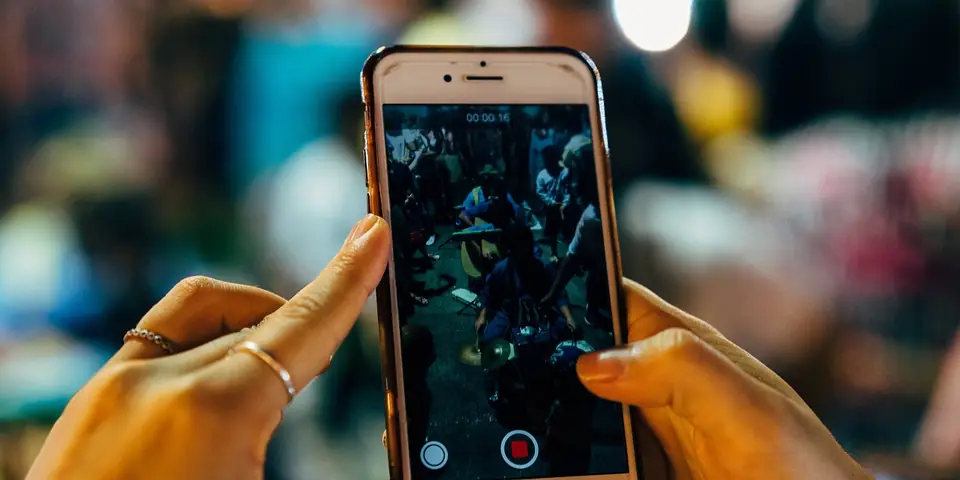
Vertical with blurred background, color boost, fades and clean sound – ready for TikTok, Reels and Shorts.
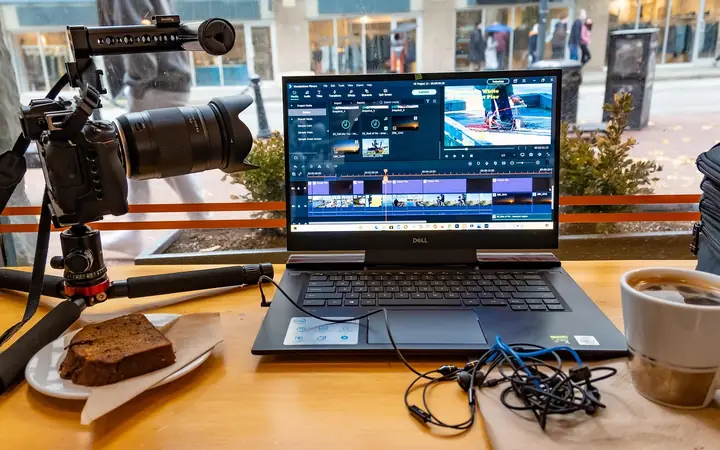
Paste a YouTube link or upload your own video file.
Finding moments, cutting, subtitles and effects – all automatic.

Preview several finished clips and post them right away.
Every plan finds the best moments automatically. Pick how much you clip.
Try it out
For your first channel
For creators posting daily
For channels at scale
DaddyClip (daddyclip.com) is a video clipping tool. It turns long videos such as podcasts, streams and interviews into short clips with burned-in subtitles and hook titles – in 9:16 for TikTok, Instagram Reels and YouTube Shorts, or in 1:1 and 16:9.
Video clipping means cutting long videos such as podcasts, streams or interviews into short, shareable clips for TikTok, Instagram Reels and YouTube Shorts. DaddyClip automates the whole process.
DaddyClip scores every second of the video using audio energy, speech tempo, hook words and natural pauses, then cuts clips at the strongest moments.
Clips export in 9:16 vertical, 1:1 square or 16:9 widescreen with word-accurate burned-in subtitles in three styles (Bold, Clean, Neon) plus an automatic hook title.
Paste a YouTube link or upload an MP4, MOV, MKV or WebM file up to 2 GB. Videos can run up to 10 min on the free plan and up to 5 h on the Pro plan; each project produces up to 20 clips.
The interface is available in English, German, Spanish, French and Italian. Clipping and subtitles work for these languages too, powered by local Whisper transcription.
There is a free plan with 6 clips per month (videos up to 10 min, with watermark). Paid plans cost $29 (Hobby), $59 (Clipper) and $129 (Pro) per month, or $19, $39 and $79 per month when billed quarterly.